Insight Reply guide
uCalc Review: How Online Calculators Can Help You Understand Customer Intent

Customer feedback is not always collected through a classic survey. Sometimes people reveal what they need through the way they interact with a website.
They choose options. They estimate a budget. They compare packages. They calculate possible savings. They answer a few questions before sending a request. They select what matters most to them before contacting a business.
That is why online calculators can be useful for customer insight.
A calculator is not only a conversion widget. When planned well, it becomes a small research tool. It helps visitors make a decision, and it helps the business understand what those visitors are trying to solve.
This is where uCalc becomes interesting.
What Is uCalc?
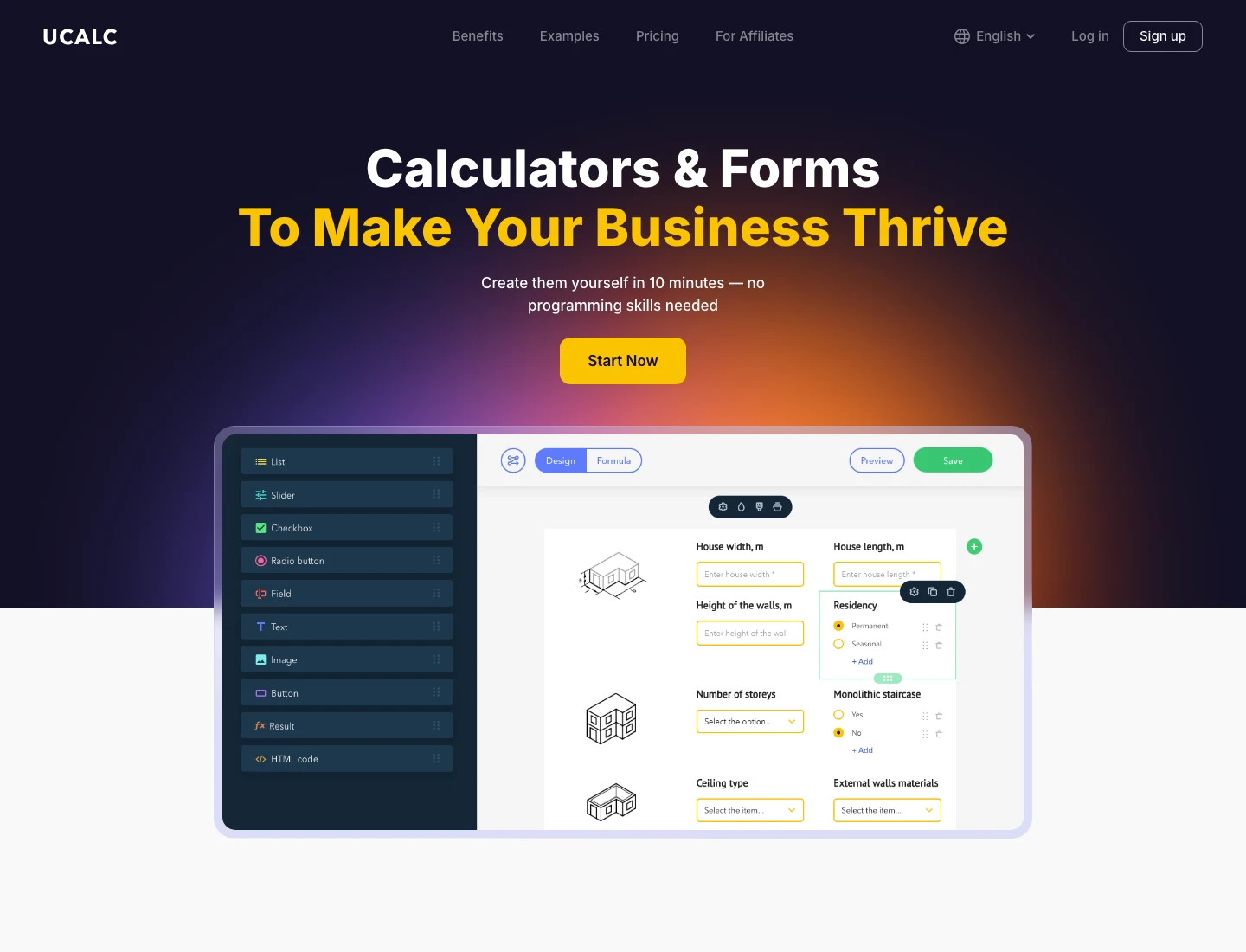
uCalc is an online calculator builder. It allows businesses, website owners, marketers, consultants, agencies, and service providers to create interactive calculators for their websites.
The main idea is simple: instead of asking visitors to read static information or send a vague contact request, a business can give them an interactive tool.
A visitor can enter details, choose options, select quantities, answer questions, and receive a result. That result may be a price estimate, score, recommendation, cost range, savings calculation, project estimate, or lead qualification summary.
This makes uCalc useful for websites where visitors often ask practical questions before they decide to contact the company.
For example:
How much will this service cost?Which plan is right for me?What result can I expect?How large is my project?How many resources do I need?What package fits my situation?What is my estimated return?How ready is my business for the next step?
A calculator helps answer these questions directly on the page.
Why It Fits Customer Insight Work
At first, uCalc looks like a tool for calculations. But for customer insight work, the value goes beyond math.
Every calculator question is also a signal. When a user chooses an option, selects a budget range, adds project details, or requests a result, the business learns something about that visitor’s intent.
For example, a website redesign calculator can show whether visitors mostly care about small updates, full redesigns, content changes, SEO, mobile improvements, or conversion optimization.
A service price calculator can show which services are selected most often.
A package recommendation calculator can show which customer groups struggle to choose between offers.
A readiness score can show how many visitors are early-stage, mid-stage, or ready to buy.
This makes uCalc useful not only for lead generation, but also for understanding demand, hesitation, preferences, and expectations.
uCalc as a Better Alternative to a Plain Contact Form
A contact form usually asks the visitor to give information before receiving anything useful.
That can work when the visitor is already ready to talk. But many visitors are not ready yet. They are still comparing options, estimating cost, checking fit, and trying to understand whether the company can help.
A calculator gives value before the contact request.
Instead of saying, “Send us a message,” the website can say:
Estimate your project cost.Find the right package.Check your readiness score.Calculate your possible savings.See what type of service fits your situation.
This changes the experience.
The visitor does not feel pushed into a form too early. They can explore the offer, receive a useful result, and then decide whether to contact the business.
For the business, the lead becomes more informative. Instead of a short message like “I need help,” the company may receive selected options, project size, budget range, priorities, and user expectations.
That is better input for the first conversation.
Useful Calculator Ideas for Business Websites
uCalc can be used in many ways, but not every calculator is equally useful. The best calculators answer a question that visitors already have.
Here are several examples.
Service Cost Calculator
A service cost calculator helps visitors estimate the price of a project or service.
This can work for agencies, consultants, repair companies, web studios, cleaning services, moving companies, marketing teams, legal services, tutors, and many other businesses where pricing depends on scope.
The calculator can ask about project size, service type, urgency, number of pages, number of rooms, number of users, required options, or preferred package.
From a customer insight perspective, this helps the business understand what people are trying to price and which factors matter most.
Package Recommendation Calculator
A package recommendation calculator helps visitors choose between plans or service levels.
Many websites offer several options, but users do not always know which one fits them. If the difference between packages is unclear, visitors may delay the decision or contact support with basic questions.
A calculator can ask about goals, company size, budget, timeline, current problem, or expected result. Then it can recommend a suitable package.
This can reduce hesitation and reveal which customer segments match each offer.
ROI Calculator
An ROI calculator helps visitors understand potential value.
This is useful for software, automation, marketing, training, consulting, productivity tools, energy savings, finance-related services, and B2B products.
A good ROI calculator does not need to promise an exact result. It can provide an estimate that helps users think more clearly about the possible benefit.
For customer insight, ROI calculators reveal what inputs users care about: time saved, money saved, revenue potential, workload, efficiency, or cost reduction.
Readiness Score
A readiness score calculator gives users a result based on their current situation.
For example:
Website Improvement Readiness ScoreCustomer Feedback Readiness ScoreMarketing Automation Readiness ScoreBusiness Growth Readiness ScoreService Quality Readiness ScoreUX Improvement Readiness Score
This type of calculator works well for educational websites, blogs, consultants, agencies, and service providers.
It gives the visitor a quick diagnosis and gives the business insight into common gaps.
Lead Qualification Calculator
A lead qualification calculator helps businesses understand whether a visitor is a good fit before a conversation starts.
It can ask about budget, timeline, business type, project size, goals, current tools, current problem, or preferred outcome.
This does not need to feel cold or restrictive. If written well, it can help visitors understand what information matters and prepare for a better consultation.
How uCalc Can Improve Website UX
A website often loses visitors when it does not answer practical questions quickly enough.
A visitor may understand the general offer but still wonder about price, scope, time, difficulty, or fit. If those questions remain unanswered, the visitor may leave.
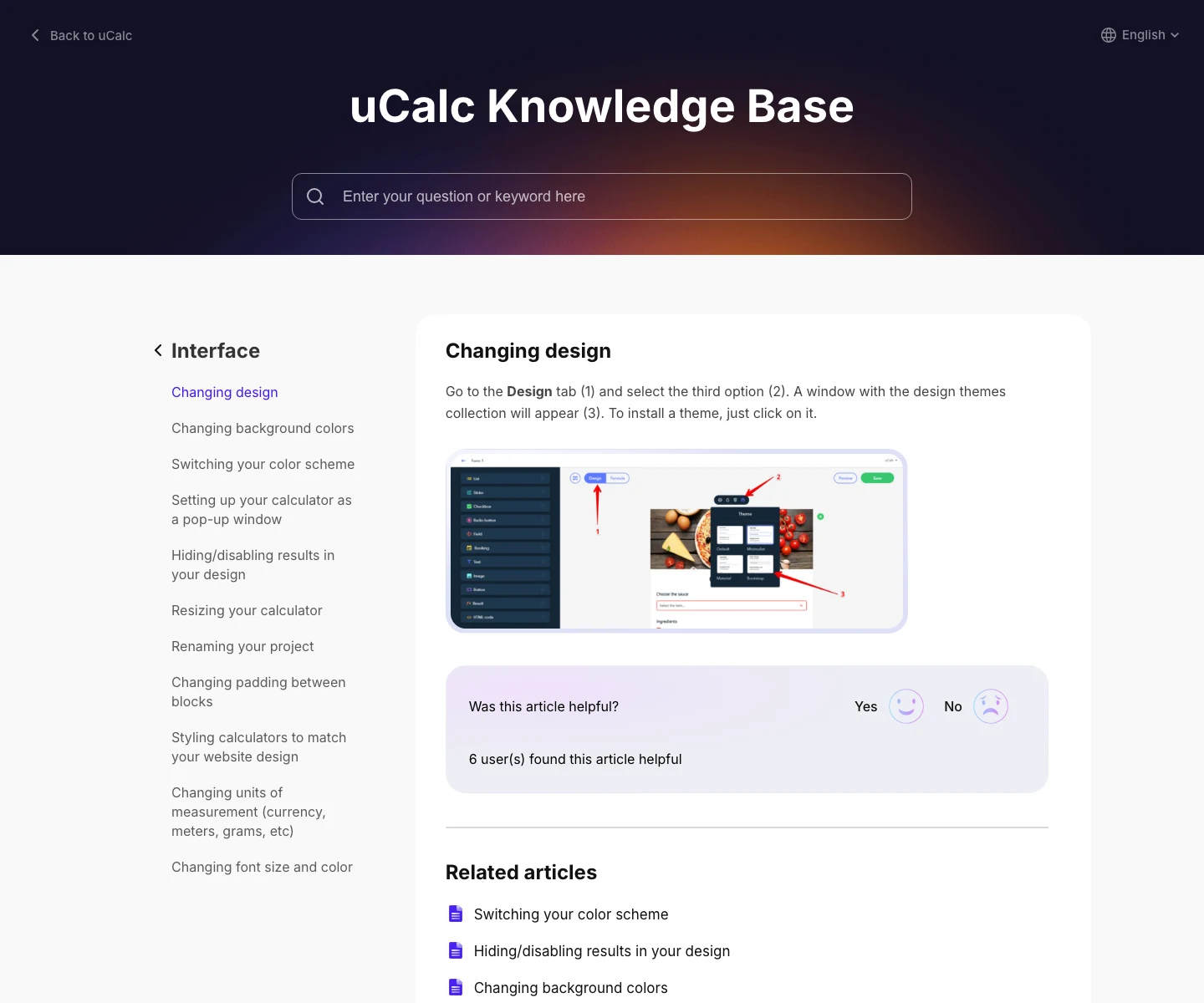
uCalc can improve UX by making the website more interactive and more helpful.
The visitor gets a guided path instead of a static block of text. The calculator asks relevant questions, narrows the context, and returns a more personalized result.
This can reduce cognitive load. Instead of reading a long service page and trying to decide alone, the visitor can answer a few simple questions and receive guidance.
A calculator can also make complex services easier to understand. If a business offers many options, a calculator can turn that complexity into a step-by-step process.
Good UX is not only about design. It is about helping people make progress. uCalc can support that progress when the calculator is built around a real user question.
Strengths
The main strength of uCalc is that it makes calculators accessible to businesses that do not want to build everything from scratch.
A custom calculator can require planning, design, development, testing, and ongoing maintenance. For many small businesses, consultants, agencies, and content sites, that is more work than they need.
uCalc gives them a more practical path.
It can be used for simple calculators, multi-step estimators, price forms, scoring tools, and interactive quote flows. It is flexible enough for many business categories and understandable enough for non-technical users.
Another strength is that calculators can improve lead quality. A visitor who completes a calculator often provides more context than someone who fills out a blank contact form.
uCalc can also support content marketing. A blog article with a relevant calculator can become more useful because readers can apply the idea to their own situation.
Possible Limitations
uCalc is useful, but it still needs good planning.
A calculator is only as helpful as the logic behind it. If the questions are confusing, the result is too vague, or the calculator asks for too much information, users may abandon it.
Businesses should not add calculators just because they look interactive. The calculator should answer a real question.
Another limitation is that estimates can be misunderstood if they are presented too confidently. If a calculator gives an approximate price, the result should make that clear. Users should understand whether the number is a final quote, a rough estimate, or a starting range.
There is also a content challenge. A calculator does not replace clear website copy. If the service page is confusing, the calculator may help, but it will not solve every communication problem.
The best approach is to use uCalc as part of a larger website experience: clear page content, useful explanations, honest result wording, and a logical next step.
Who Should Consider uCalc?
uCalc may be useful for businesses that want to make their websites more interactive, informative, and practical.
It can be a good fit for:
Service businesses with variable pricingAgencies and consultantsSaaS companiesMarketing teamsWeb studiosLocal service providersEducational projectsB2B companiesBlogs with practical toolseCommerce stores with custom optionsCustomer experience and UX teams
It is especially useful when visitors need help understanding cost, fit, value, scope, or readiness before taking the next step.
Final Verdict
uCalc is more than a calculator builder. Used well, it can become a practical part of the customer insight process.
It helps visitors answer questions before they contact a business. It helps websites become more interactive and useful. It helps companies collect better lead context. It can also reveal what users care about, what they select, where they hesitate, and which offers need clearer explanation.
For a blog like Insight Reply, uCalc fits naturally because customer insight is not only found in survey answers. It can also be found in user choices, calculator inputs, selected options, skipped fields, and the questions people try to answer before making a decision.
The best use of uCalc is not to add a widget for decoration. The best use is to build a calculator around a real customer question.
When a calculator helps the visitor think more clearly and helps the business understand customer intent, it becomes a useful insight tool.